Building Flappy Bird on an ESP32 with an SSD1306 OLED
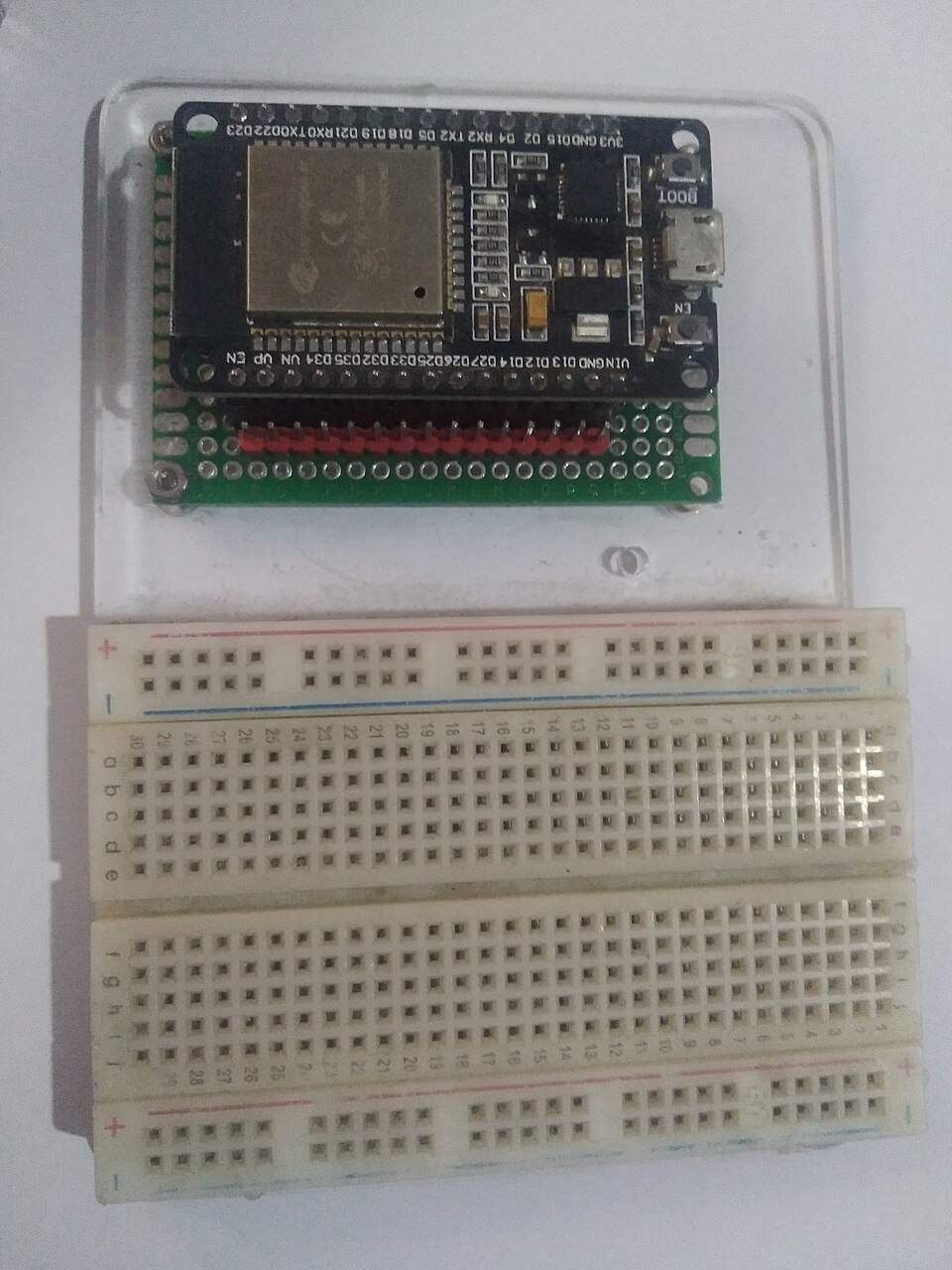
A complete walkthrough of our Flappy Bird clone on an ESP32 and a 128×64 OLED: the hardware, a fixed-timestep game loop, gravity in two lines of code, collision detection, and what we'd improve in version two.
Making a game is one of the best ways to learn embedded programming. It forces you to deal with timing, input, state and graphics at once, and you know immediately when something is wrong because the game feels wrong. This is a walkthrough of our Flappy Bird project: a single button, a tiny OLED screen and an ESP32. All the snippets below are from the actual project source, which is on GitHub.
Hardware
| Part | Connection |
|---|---|
| ESP32 Dev Module | — |
| SSD1306 128×64 OLED (I²C, address 0x3C) | SDA → GPIO 21, SCL → GPIO 22 |
| Push button (active-low) | GPIO 26 |
| Passive buzzer | GPIO 25 |
The OLED uses the ESP32's default I²C pins. If you're new to I²C addressing and pull-ups, see I²C vs SPI vs UART. The button pin is configured as a plain INPUT, so the button needs a pull-up resistor on the hardware side. Without one, the pin floats and the bird flaps on its own. See pull-up and pull-down resistors.
The project is built with PlatformIO using the Arduino framework, and the Adafruit SSD1306 and GFX libraries.
Code structure
Splitting the code into modules kept it readable as it grew:
game.cpp—setup(),loop()and the state machinebird.cpp— game state, physics, pipes, collision and drawingbutton.cpp— button input with edge detectionbuzzer.cpp— sound effects using the ESP32's LEDC peripheral
The state machine
The game is always in one of three states:
enum GameState {
  STATE_START,
  STATE_PLAYING,
  STATE_GAME_OVER
};
loop() is a switch on that state. The start screen waits for a press, the playing state runs the game, and the game-over screen shows the score and waits for another press. Modelling the game as explicit states avoids a tangle of boolean flags like isStarted and isDead, and it's the same pattern you'd use for a robot's behaviour or a device's menu system.
A fixed frame rate without delay()
Smooth animation needs each frame to take the same amount of time. Instead of delay(16), the loop checks how much time has passed and returns early if it's not time for the next frame yet:
const unsigned long FRAME_TIME_MS = 16;  // ~62 FPS

void loop() {
  unsigned long now = millis();
  if (now - lastFrameMs < FRAME_TIME_MS) return;
  lastFrameMs = now;
  // ... update and draw one frame
}
Two details matter here. First, subtracting now - lastFrameMs with unsigned integers keeps working correctly when millis() overflows after about 49 days, while comparing now > lastFrameMs + FRAME_TIME_MS does not. Second, because the loop returns immediately when it isn't time yet, the ESP32 isn't blocked between frames.
Gravity in two lines
The bird has a vertical position and a vertical velocity. In screen coordinates, y grows downwards, so positive velocity means falling:
const float GRAVITY  = 0.22f;   // added to velocity every frame
const float JUMP_VEL = -2.5f;   // velocity set by a flap (negative = up)

void updateBirdPhysics() {
  birdVel += GRAVITY;  // accelerate downwards
  birdY   += birdVel;  // move by the current velocity
}
A flap doesn't move the bird. It sets the velocity to JUMP_VEL, and gravity then pulls the velocity back down frame by frame. That's what gives Flappy Bird its arc. The two constants define how the game feels: more gravity makes it twitchy, and a weaker jump makes it sluggish. We tuned them by playing, not by calculation, and that's normal for game feel.
The values are float so that sub-pixel motion accumulates smoothly, and they're cast to int only when drawing.
Pipes that recycle
There is only ever one pipe. It moves left by pipeSpeed pixels per frame. When it leaves the screen, it jumps back to the right edge with a new random gap position:
void randomizePipeGap() {
  int minGapTop = 6;
  int maxGapTop = SCREEN_HEIGHT - PIPE_GAP_HEIGHT - 6;
  pipeGapY = random(minGapTop, maxGapTop + 1);
}
Reusing one object instead of creating new ones is a habit worth building on microcontrollers, where dynamic memory allocation can fragment the heap over time.
The score goes up once per pipe. The pipePassed flag stops it from counting the same pipe on every frame while the bird is past it.
The random seed comes from micros() at startup, so the pipe sequence is different each time you power on.
Collision detection with rectangles
The bird is a 4×4 pixel square and the pipes are rectangles, so collision is an axis-aligned bounding box (AABB) test: two rectangles overlap if they overlap on both the x-axis and the y-axis.
bool overlapX = (birdRight > pipeLeft) && (birdLeft < pipeRight);
if (!overlapX) return false;          // not level with the pipe

bool hitsTopPipe    = (birdTop < gapTop);
bool hitsBottomPipe = (birdBottom > gapBottom);
return hitsTopPipe || hitsBottomPipe;
Leaving the top or bottom of the screen also ends the game. AABB checks are cheap and good enough for most simple 2D games, whether on a microcontroller or a PC.
Drawing
Each frame clears the display buffer, draws the pipe, bird and score into it, then sends the whole buffer to the OLED with display.display(). The Adafruit library keeps a 1 KB frame buffer in RAM: 128 × 64 pixels at 1 bit per pixel. Drawing into RAM is fast. The I²C transfer of that kilobyte is the slow part of each frame.
Sound with the LEDC peripheral
The buzzer is driven by the ESP32's LEDC (PWM) peripheral, using ledcWriteTone() to set a frequency: a short 1800 Hz chirp on each flap, and a low 350 Hz tone on game over.
What we'd improve in version two
Writing this up made a few weaknesses obvious, and they're good lessons in themselves:
- Blocking sound effects.
playTone()callsdelay()for the tone's duration. The 25 ms flap chirp is longer than one 16 ms frame, so every flap causes a small stutter. A non-blocking version would start the tone, record the time, and switch it off in a later frame. - No debounce. The button code detects the HIGH→LOW edge but doesn't debounce, so a bouncy switch can register a double flap. A 10–20 ms debounce window would fix it.
- Difficulty. There's commented-out code to speed the pipes up every 5 points. Enabling it, and perhaps narrowing the gap, would make longer runs more interesting.
- A persistent high score. The best score resets at power-off. The ESP32's
Preferenceslibrary can store it in flash.
Build it yourself
The full source, with PlatformIO build and upload instructions, is on GitHub. There's also a demo video linked from the project page. If you're new to the ESP32, Day 3 of the ElectroLab course covers the board, the IDE, setup() and loop(), and PWM.
References
- Adafruit, Monochrome OLED Breakouts (SSD1306 library guide): learn.adafruit.com
- Espressif, LEDC (LED Control) peripheral: docs.espressif.com
- Glenn Fiedler, Fix Your Timestep! (game loop timing): gafferongames.com